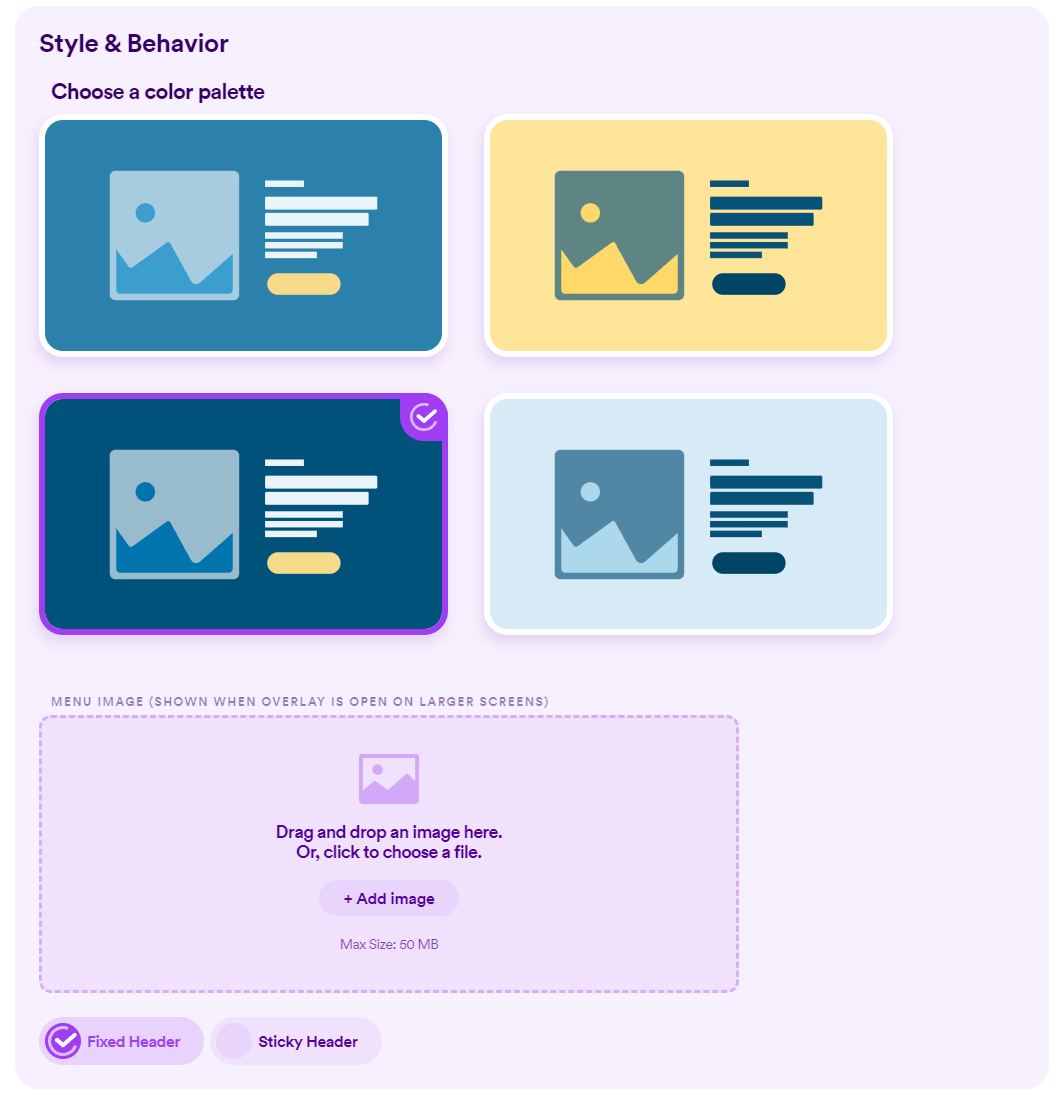
Customize The Style Of Your Header
Customizing your header is done within the Design section of Nucleus Web and can be access by clicking on the Design button along the top of your page.
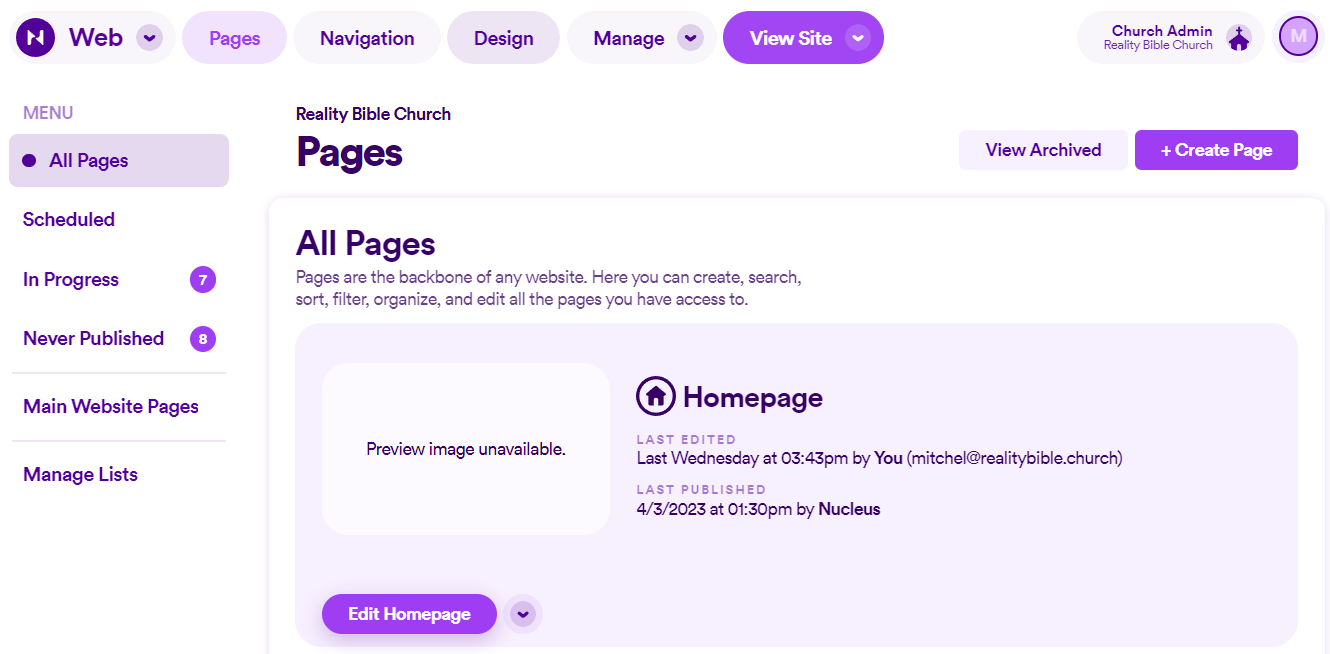
When entering the design section of Nucleus Web it will automatically land on the Header page, so simply scroll down to the Style & Behavior section.
Here you can choose a color palette, add an image (which is shown when overlay is open on larger screens) and choose to have your header fixed in position at the top of the page or sticky so it follows you as you scroll.