
Add A Logo To Your Footer
To add a logo to your Footer in Nucleus Web, start by clicking on the Design icon at the top of your screen.

Next, on the left hand menu, click Footer and then click + Add Image to add a logo to your Footer. You can also just drag and drop a logo if you would prefer to do it that way.
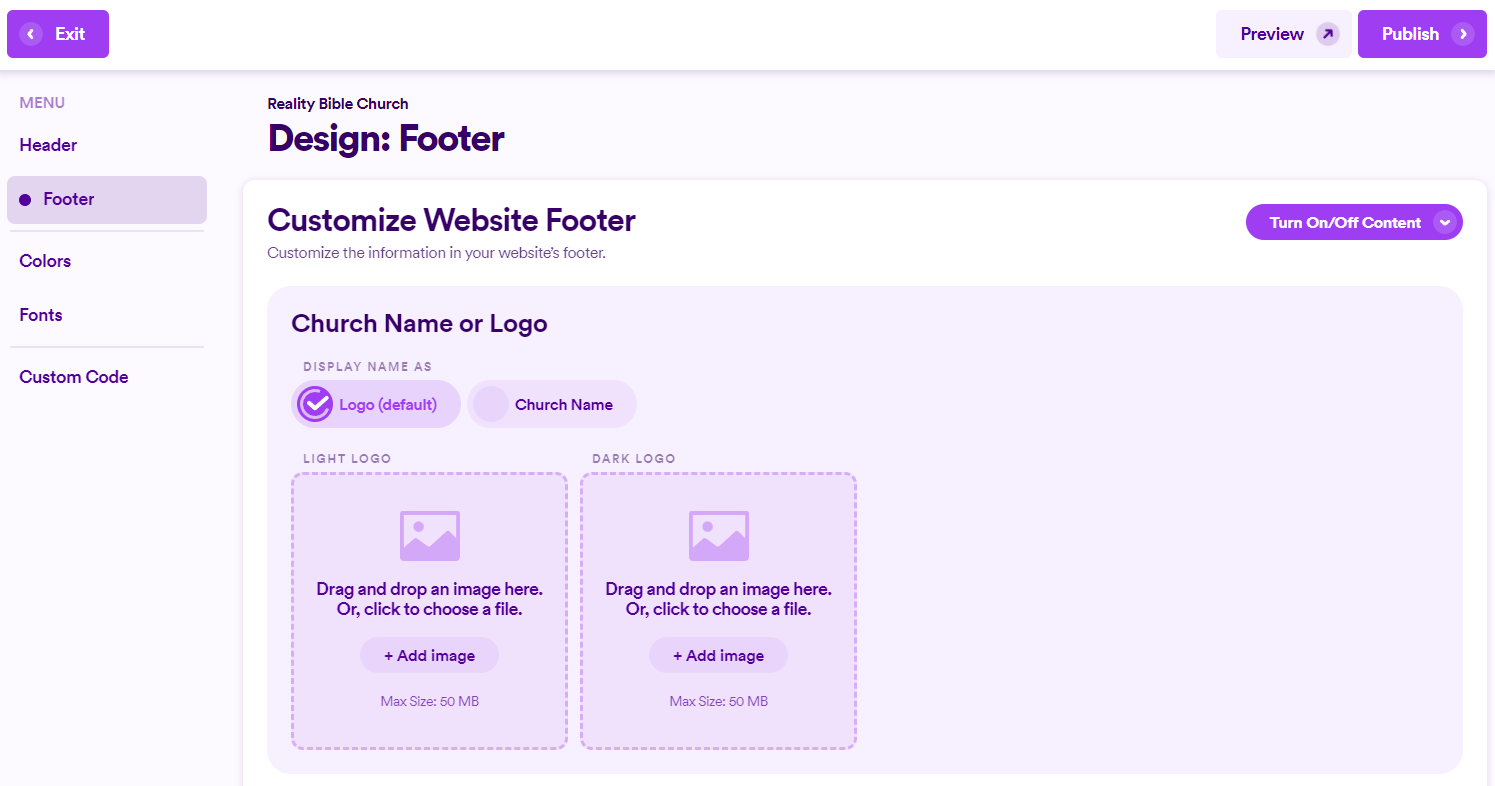
Once you've added a logo, you can always remove it or switch it out with a different logo if you would prefer.