
Add Contact Info To Your Footer
To add contact info to your Footer, first click on the Design button at the top of your screen and then click Footer on the left hand menu.

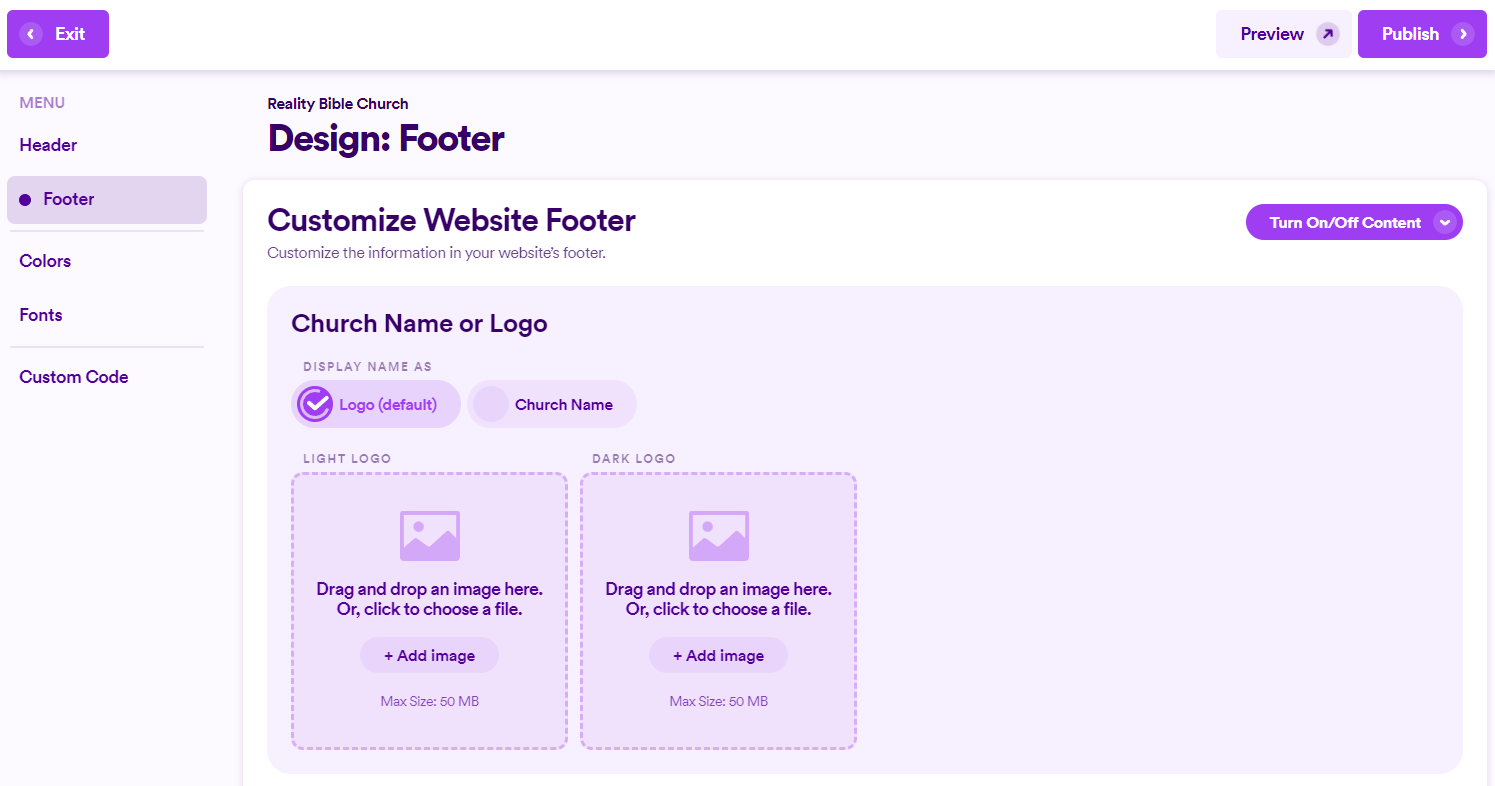
From here, scroll down until you see the Contact Info section. Then click the + Add button in the right hand corner. A drop down will appear giving you a choice between a couple different options including email, phone, postal address, etc.

In this example I'll select Email which gives me a couple different sections to fill out.

Regardless of what option you choose the interface will look very similar. Here is what it looks like if you select phone.
