Add Legal Text To Your Footer
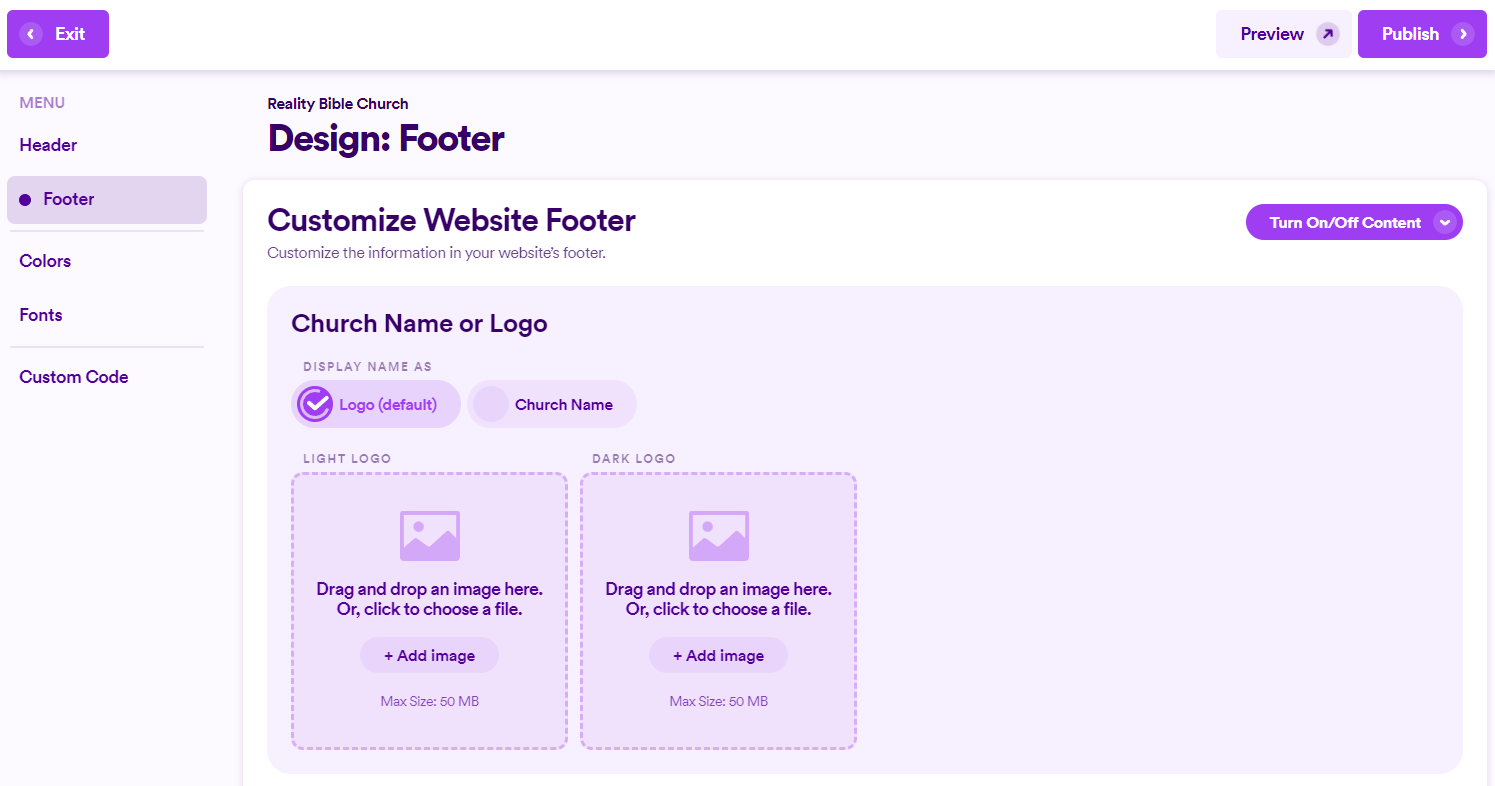
To add legal text to your Footer, first click on the Design button at the top of your screen and then click Footer on the left hand menu.

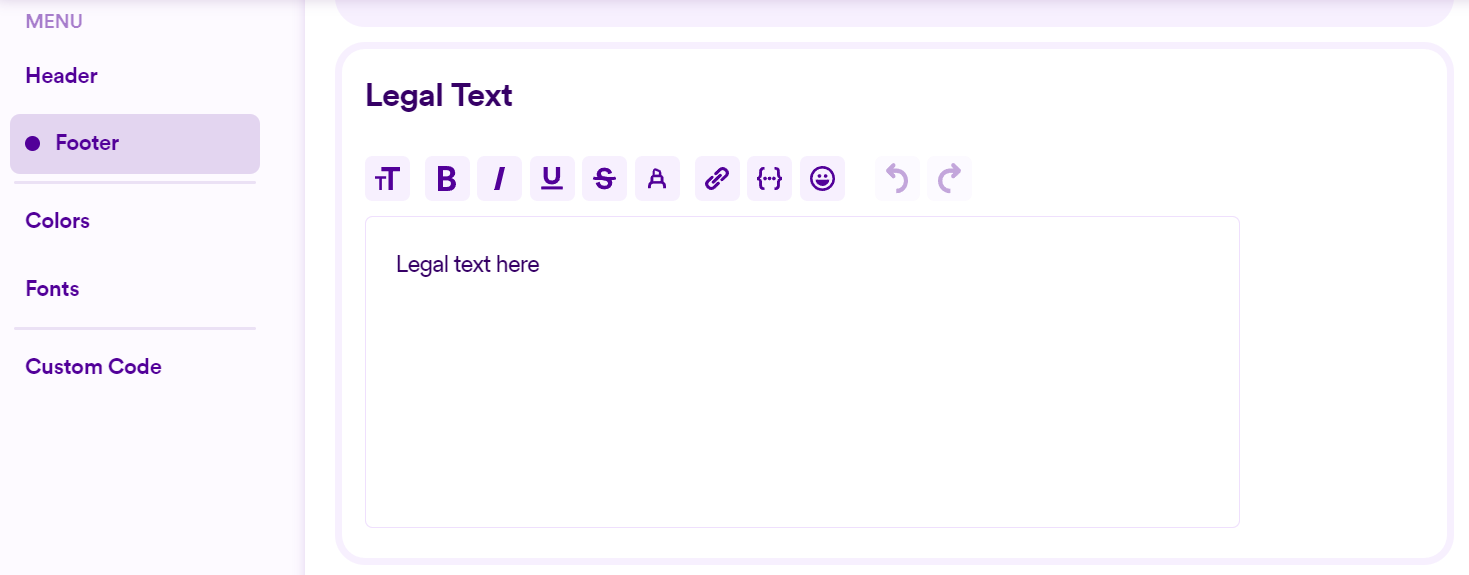
From here, scroll down until you see the Legal Text section. Here you can add your legal text which will be visible in your footer. All the standard text based aids are here including hyperlinks, bold, underline, etc. This is a great place to add your GDPR (General Data Protection Regulation) info as well if you fall under this law where you're located.