
Manage My Subscriptions
As a member of a church that uses Nucelus, you're likely subscribed to at least one mailing list. Nucleus empowers your church to send out emails and notifications through the platform. In some cases, you may be subscribed to multiple lists. In the instance that you want to manage what you're subscribed to, there's a simple path to do that.
At the bottom of any email sent using Nucleus, you'll see two links: Manage my subscriptions and Unsubscribe from this list.
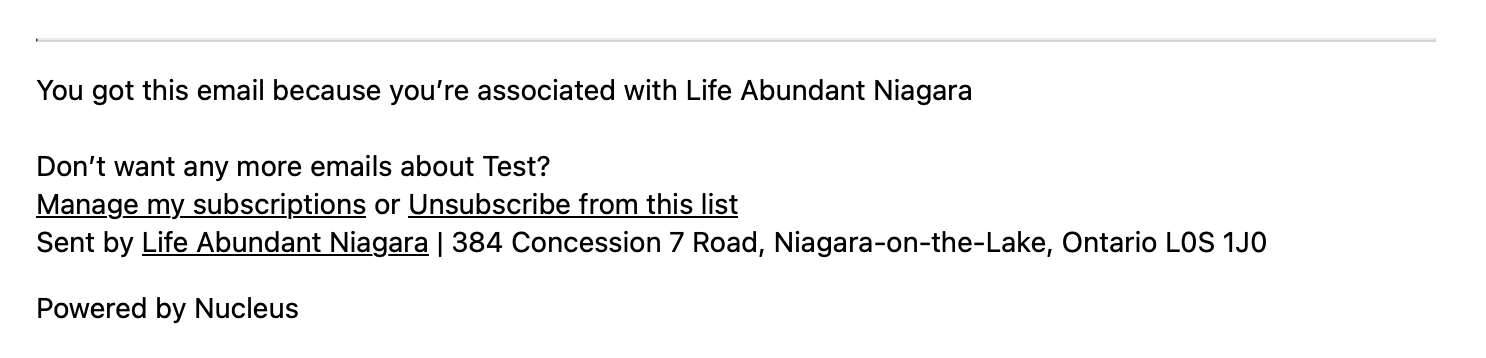
The unsubscribe link will do exactly what you assume – it will unsubscribe you from the list that the email was delivered from.
To manage your subscriptions to any and every list associated with your church, click the manage link.
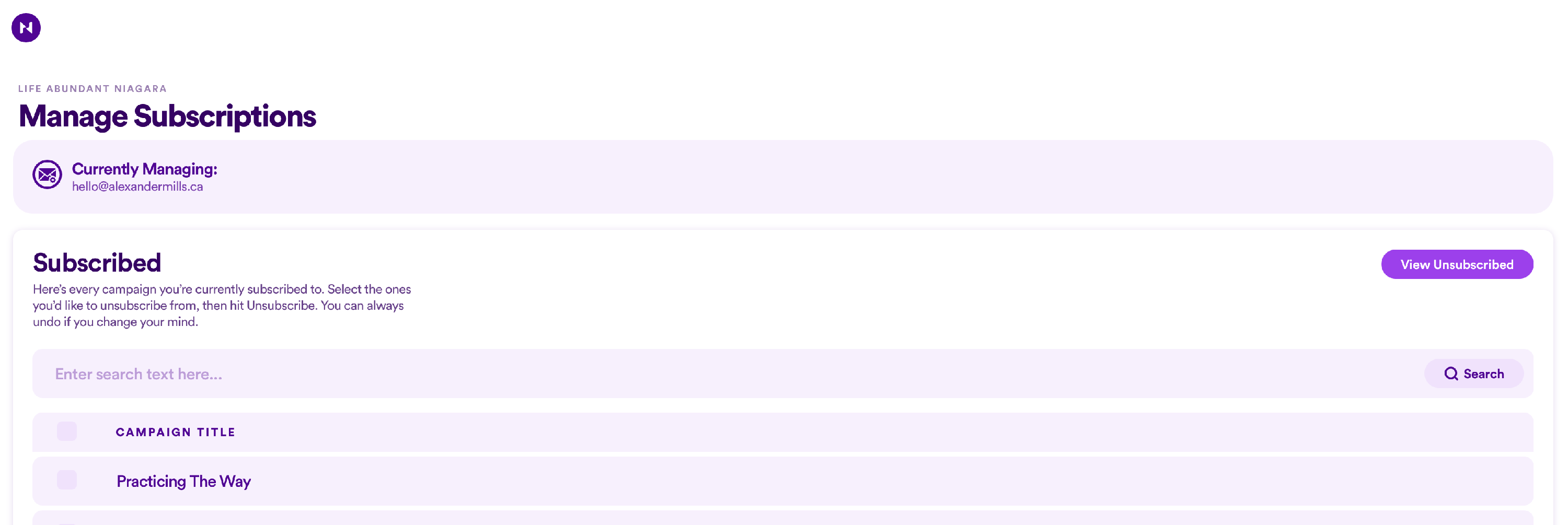
A new browser tab will open, revealing every campaign that you're currently subscribed to. To unsubscribe to one or more at once, simply check them and then hit Unsubscribe. If you'd like to resubscribe to a list that you have previously unsubscribed to, you can easily click View unsubscribed and resubscribe from right there.
That's it, that's all, folks!