
Customize Your Receipt Email (Access Manager)
After someone has requested access to your church's Prayer Wall, they will receive an email receipt, just for personal records.
Let's take a look at what you can customize.
Customize your receipt email message
1. Go to your Prayer app and select Prayer Hub. Click here for a quick link.
2. Then, select Access Manager.
3.
Next, click on the Receipt Email tab.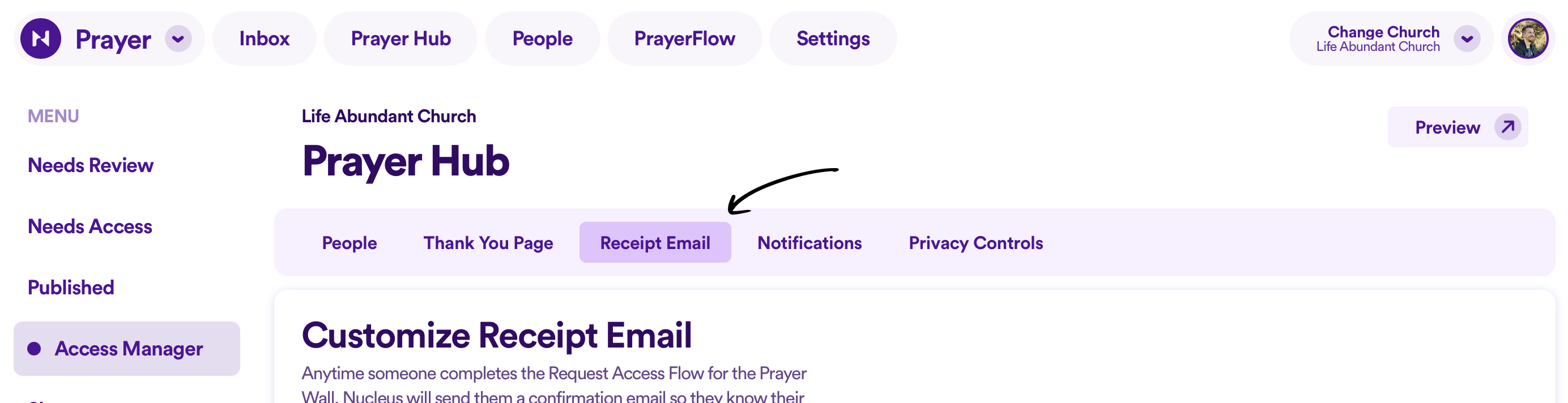
4.
Here, you can insert your own custom message that will appear in each email. You have up to 500 characters.
 5. Once you're happy with your changes, click the Save Changes button.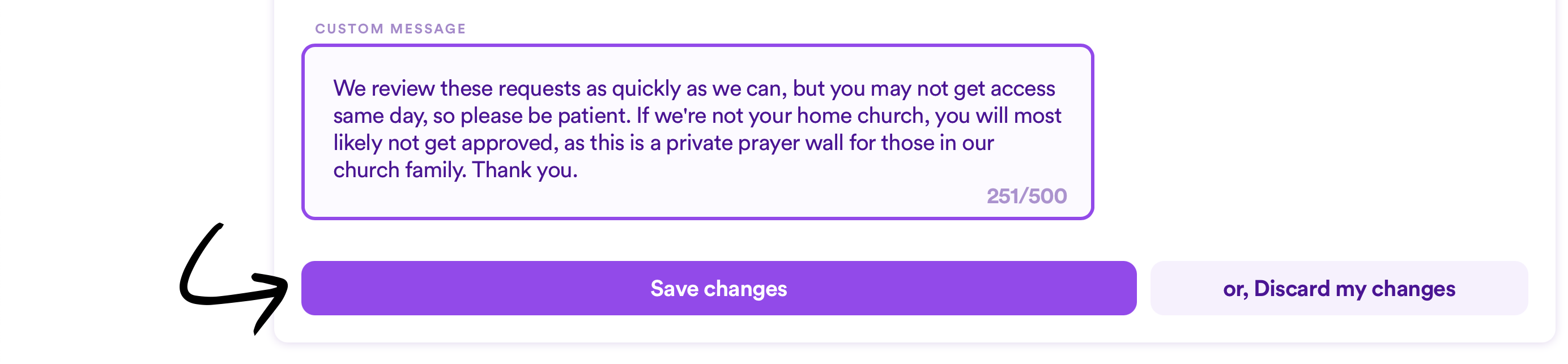
Note:
- While you can customize the "from name" and the "from email address" for email receipts in custom Flows, all SmartFlows (the request to access the Prayer Wall being one of them) are locked to using your church's name and email address as entered here in your Church Settings.