
Manage Your Integrations
If you're anything like the typical church, you utilize several different platforms to make a cohesive system of operations function for managing events, groups, activities, people records, submissions - you name it. It takes a lot or organization to make everything at a church run smoothly, and usually all-in-one solutions don't quite cut it.
Instead, because all platforms have their own unique strengths, it's likely you use at minimum 2-3 different digital platforms to keep track of everything. But generally these platforms don't talk to each other, which usually means more manual administrative work.
That's where integrations come into play: the ability for platforms to connect together. Some integrations are one-way push integrations, while others are two-way integrations. This all depends on the limitations of each platform's public API and a bunch of other technical jargon that's not necessary to talk about here 😅
Nucleus understands the frustration of having to keep track and manually enter information in more than one platform, which is why we're excited to begin creating integrations with some of the most widely used church management software (ChMS) platforms.
To begin, we have a one-way integration with Planning Center (PCO), as well as calendars that use a public iCal url. Let's take a look at the integrations we currently have available.
To get started, login to your Nucleus Dashboard at https://app.nucleus.church. Click the Nucleus logo in the top left and select Church Settings. From there, click Integrations. Click here for a quick link.
In this guide, we'll cover the following topics. Click on any one to jump ahead.
Planning Center Integrations
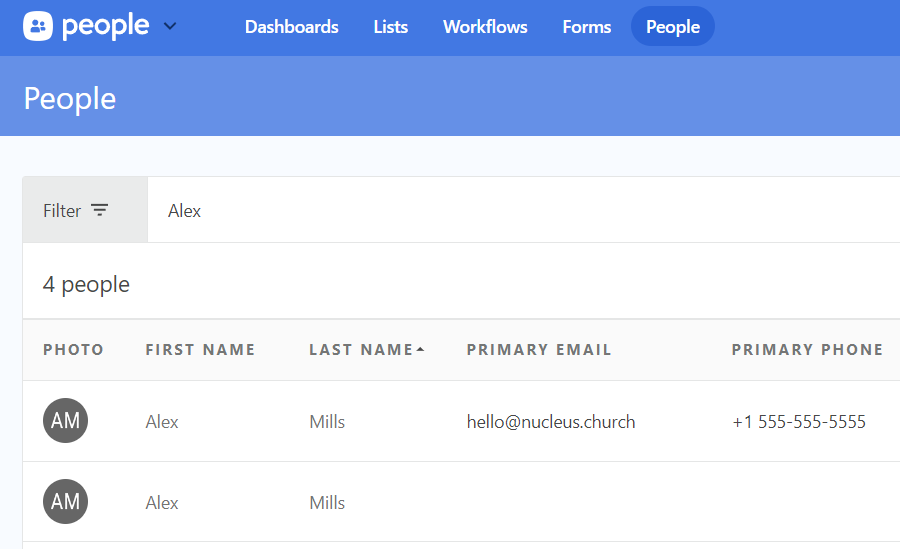
Nucleus currently has a direct integration with Planning Center Online (PCO) that you can link to any Smart Contact or Additional Contact step in Nucleus Flows, Giving, or Prayer. This integration is specifically a push integration (i.e. a one-way sync) with PCO, meaning that when you enable the integration, certain profile information that is entered into a Flow (a custom Flow, GivingFlow, or PrayerFlow) will be "pushed" into your PCO account, creating or updating people records.
Note: This integration is enabled within your Church Settings, and affects people information sent through Nucleus Flows, Giving, and Prayer.
Click here to learn more about this specific integration.
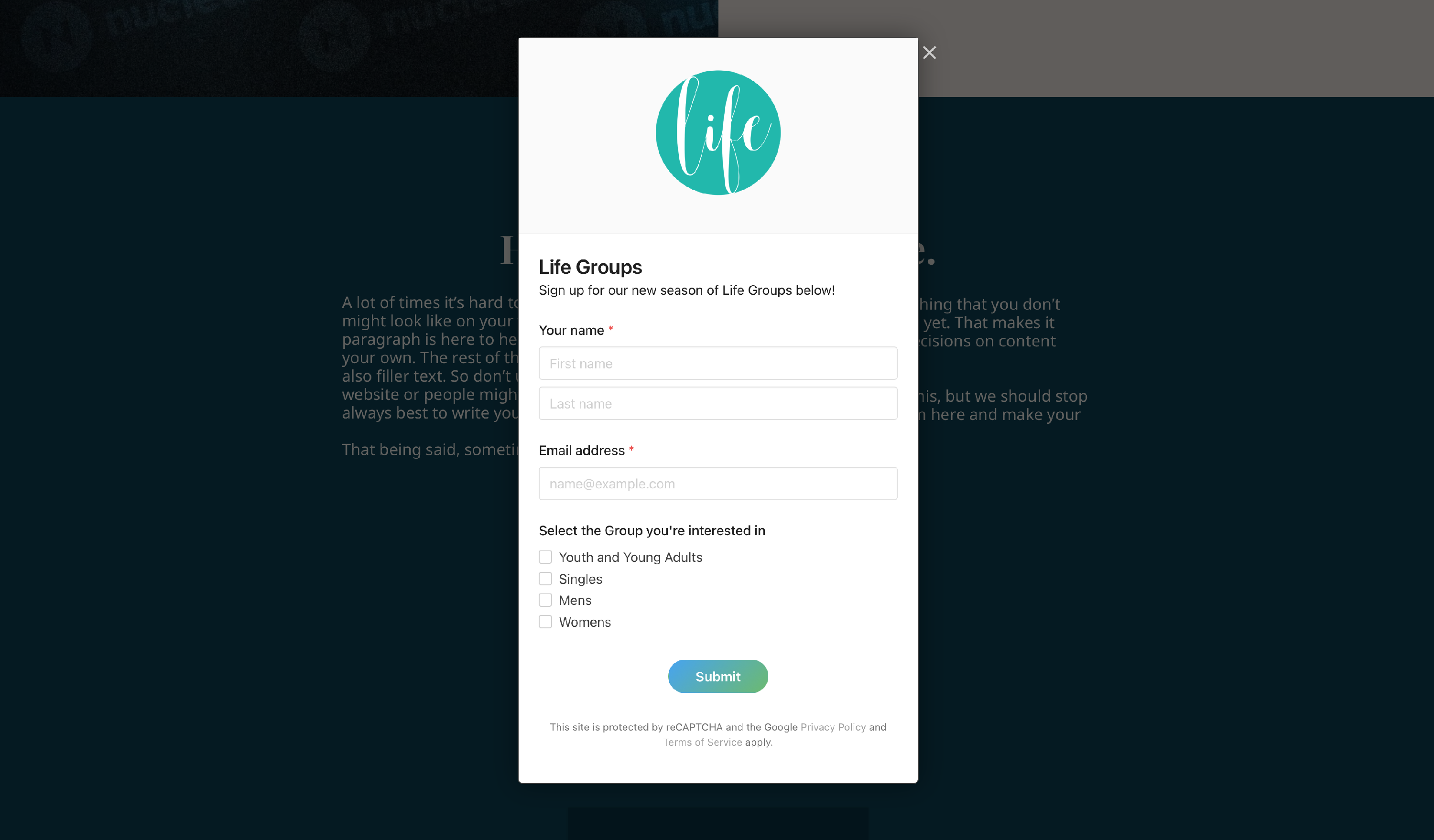
Nucleus also allows for PCO forms to be embedded directly on your Nucleus Website. This allows you to create a button on your website that opens a PCO form overtop of your website. So instead of taking people away from your website to the form hosted on your PCO Church Center page, people can fill out the PCO form right there without having to leave your church's website.
Note: This integration is enabled within Nucleus Web, specifically in the Custom Code page of your Design Panel, and then on whatever page you want to add a button to open the PCO form.
Click here to learn more about this specific integration.
Calendar Integration
A calendar is one of the most important components on a church's website to ensure everyone (both those in your congregation and those just checking out your church for the first time) can see what's coming up in the next days, weeks, and months at your church.
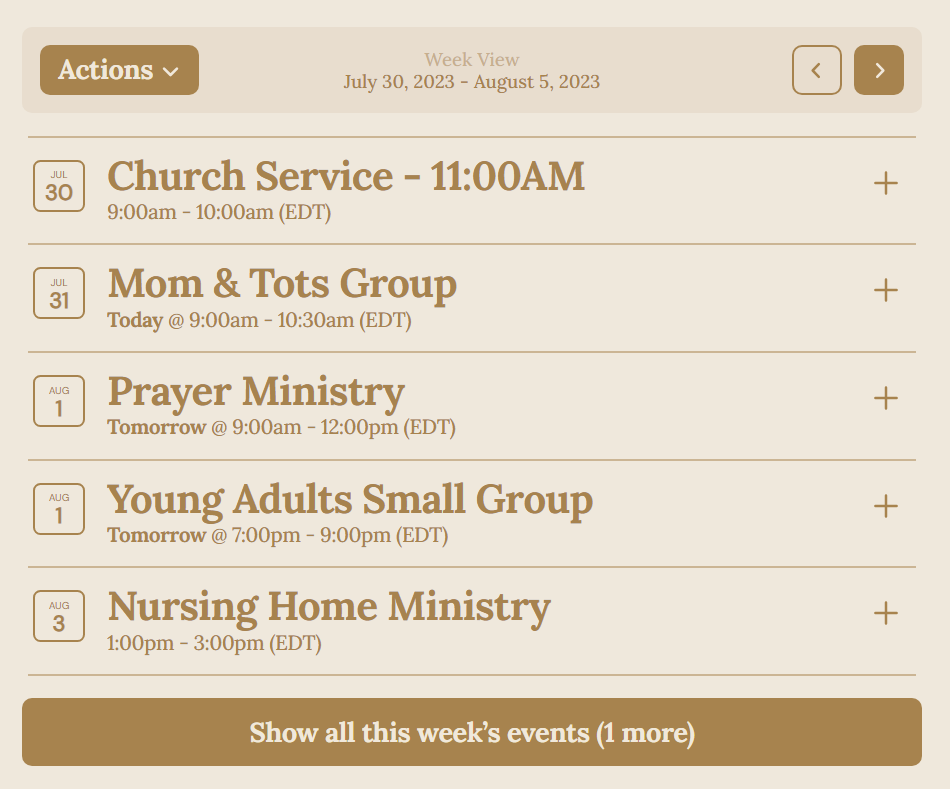
While Nucleus doesn't have a calendar you create directly within Nucleus Web, you can always embed a calendar using a public iCal url. That way, you don't have to create an entirely new calendar, and you can continue using the calendar platform you were likely already using before creating your website on Nucleus.
Using the calendar integration, Nucleus will translate the event information being sent from your calendar platform and showcase it in an intuitive list form so that it looks great on both desktop and mobile devices alike.
Note: This integration is enabled within Nucleus Web, specifically in a Calendar Section on a page.
Click here to learn more about this specific integration.
Looking To The Future
While we're glad the current integrations exist, we know there are so many others we can create to make your administrative life so much easier.
Do you have a specific integration you'd like to see us create? Let us know by sending a message to hello@nucleus.church, making sure to include the platform you use and how you envision the integration functioning to help give us a good vision for the future.
What Next?
This article touched on some integrations that affect a wide variety of Nucleus products/applications. Below are some visual guides that you might find helpful with those in mind: